Seamlessly offload your media files to the cloud.
WP Offload Media
WP Offload Media streamlines media management by transferring files to cloud storage, enhancing performance and reducing server load.
Included with purchase:
- 100% GPL Licensed
- Lifetime Updates
- Technical Support
- Instant Download
Download for Free
Get this product and unlock 4,500+ premium plugins & themes for just $15.00/month.
What is WP Offload Media?
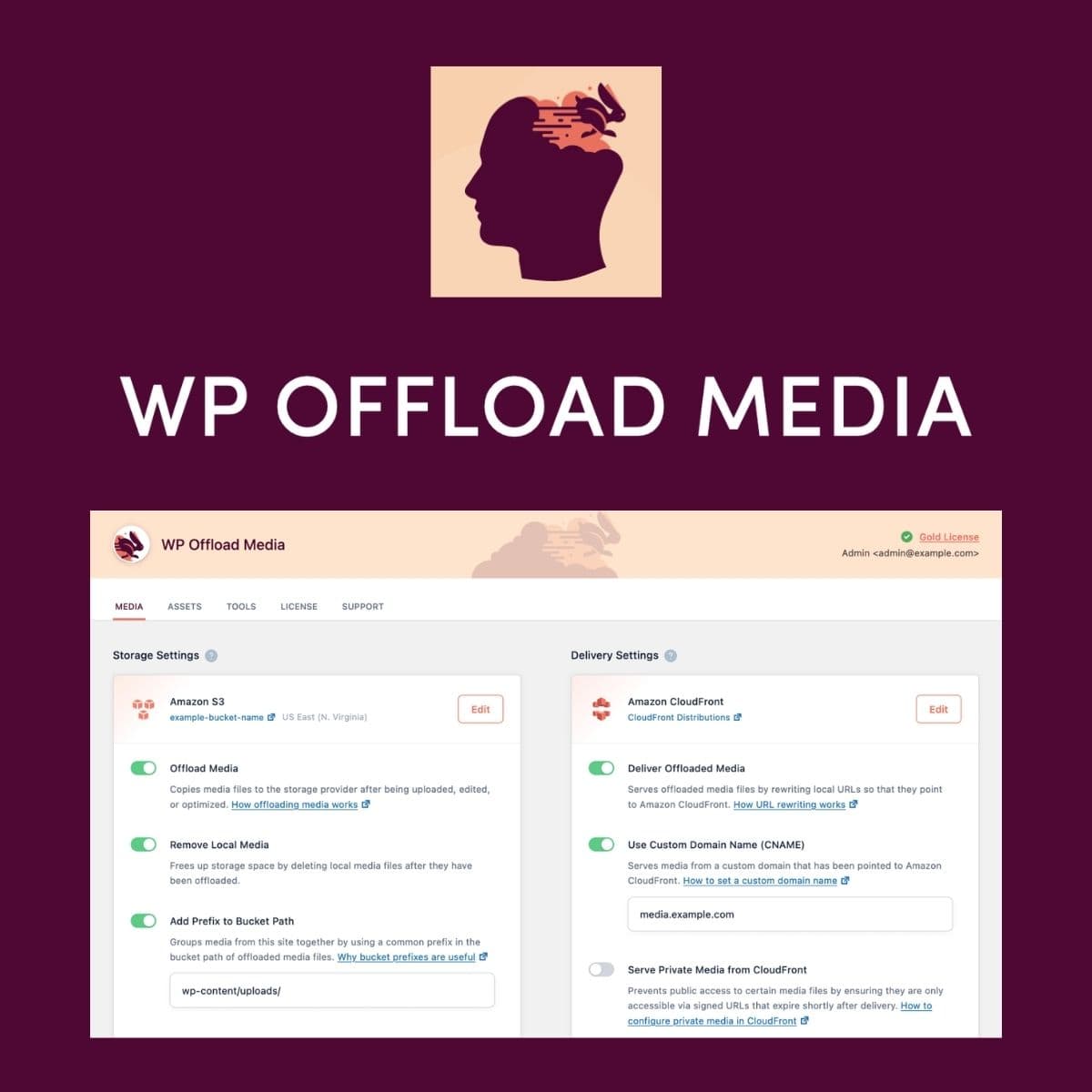
WP Offload Media is a WordPress plugin that automates the transfer of media files from your Media Library to cloud storage solutions like Amazon S3, DigitalOcean Spaces, Google Cloud Storage, and Cloudflare R2. It serves these files through a global CDN, reducing server load and improving page delivery speed. Available at PluginTheme.net with instant download and GPL license.
Key Features
Automatic Offloading
Transfers media files to cloud storage automatically.
Global CDN Integration
Serves media files through a global Content Delivery Network.
Full Asset Control
Maintains control over images, videos, and downloads.
Easy Setup
Quick and straightforward installation process.
Multiple Cloud Providers
Compatible with Amazon S3, DigitalOcean Spaces, and more.
Who is this for?
Pros
- Streamlines media management
- Enhances site performance
- Reduces server load
- Supports multiple cloud storage options
Cons
- •Initial configuration may be complex for some users
- •Requires a CDN setup for optimal performance
Product Description
WP Offload Media is designed to enhance the way WordPress sites handle media files. With the increasing demand for high-quality images and videos, managing these assets efficiently is more important than ever. This plugin addresses these needs by providing a seamless way to offload media files to cloud storage.
How It Works
Once installed, WP Offload Media connects to your preferred cloud storage provider. It automatically transfers files from your WordPress Media Library to the cloud, ensuring that your server is not burdened with large media files. The plugin also integrates with a CDN, which serves your media files quickly and efficiently to users around the globe.
Benefits of Using WP Offload Media
- Improved Performance: By offloading media files, your website can load faster, enhancing user experience and potentially improving SEO rankings.
- Reduced Server Load: Offloading media files decreases the strain on your server, allowing it to handle more traffic without performance issues.
- Cost-Effective: Utilizing cloud storage can often be more cost-effective than maintaining large amounts of local storage.
Use Cases
WP Offload Media is particularly useful for:
- Photographers and artists who need to showcase high-resolution images without compromising site speed.
- Businesses with extensive media libraries that require efficient management and delivery.
- Developers looking to optimize client sites for performance and scalability.
In conclusion, WP Offload Media is a valuable tool for anyone looking to enhance their WordPress site's media management capabilities. By leveraging cloud storage and CDN technology, it provides a robust solution for modern web needs.